What we do
Accept a top-up request for a valid 10-digit nol tag ID used in Dubai, route the payment, and email the receipt once it clears.
NolReload is an independent way to top up nol card online in Dubai. Enter the 10-digit nol tag ID, choose an amount, add your email — the request is routed to the payment step and a receipt follows. No app, no counter visit.
We are not the transit authority and not the card issuer. NolReload is a third-party self-service platform: it takes a nol tag ID, an amount and an email, then routes the payment. Here is the honest scope.
Accept a top-up request for a valid 10-digit nol tag ID used in Dubai, route the payment, and email the receipt once it clears.
We do not issue cards, change cardholder records, register accounts, sell physical cards or replace lost ones. The issuer handles those.
Commuters, students and visitors who would rather finish a nol card recharge online from a browser than walk to a station counter.
The form is reachable any hour. Payment processing time depends on the network, and is usually a few minutes after a charge clears.
Each top-up is one standalone session. No account, nothing saved between visits on this device.
Find it printed on the back of the card. Digits only — anything else is stripped before the request is built.
Pick a preset — AED 30, 40, 50, 100 or 150 — or type a custom value from AED 5 to AED 500.
You move to the secure payment step. After it clears, the receipt with the order reference reaches your inbox.
The nol card taps you onto the Metro, public buses, the Tram and the water bus across the city. When the balance runs low between Jumeirah and the Marina, a quick nol card recharge online beats a detour to a counter.
NolReload keeps the job small: one card, one amount, one receipt. No bundled extras, no upsell, no account to maintain.
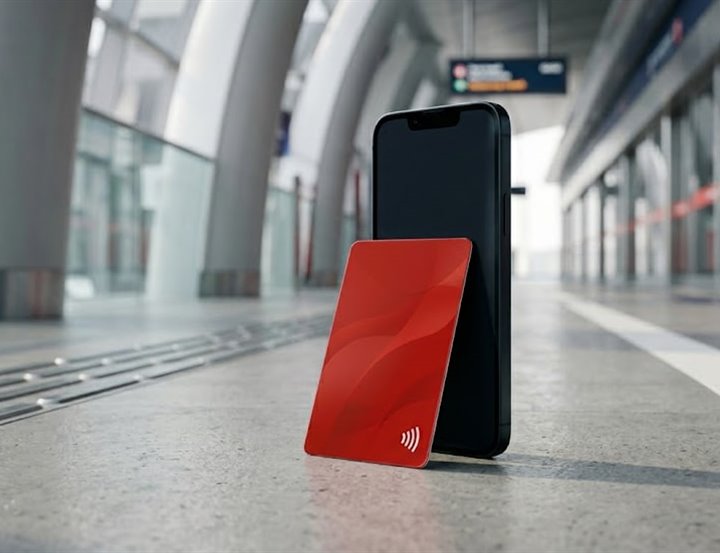
The amount is locked once you continue to payment, so the total you see is the total charged.
Five quick answers. The full set lives on the FAQ page.
Open the top-up page, enter the 10-digit nol tag ID, choose an amount (AED 30–150 or a custom AED 5–500), add your email and continue to the payment step. The receipt is emailed once the payment clears.
Processing usually takes a few minutes after a payment clears. Off-peak hours tend to be quicker than the morning and evening commute peaks.
Reply to the receipt email with the order reference. We check the transaction and either complete the top-up or start a refund. Don't retry — a second attempt can double-charge your bank card.
The minimum is AED 5 and the maximum is AED 500 per session. The full total is shown on the payment step before you confirm.
Only the nol card used on Dubai public transport. Cards from other emirates are out of scope here.
One short form, three fields, AED 5 minimum. No app, no account.